
It starts here: getting your orders in
Everything begins with your customer orders, so the first step is making sure they’re quick and easy to enter.
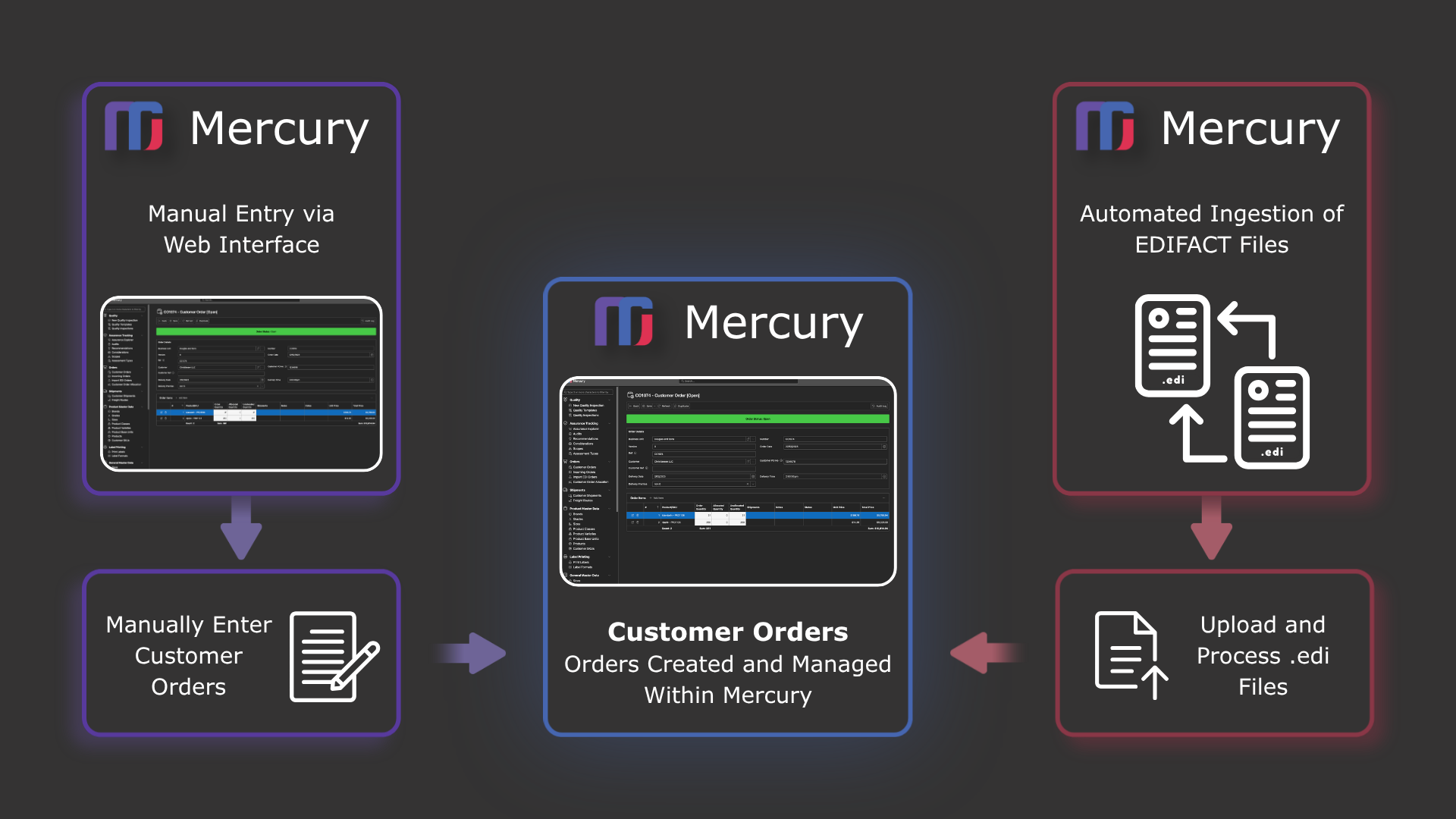
With Mercury, you can enter orders manually in just a few clicks. It uses your existing customer and product information, and makes it simple to repeat regular orders without starting from scratch each time.
If your customers send orders electronically, that’s covered too. Mercury supports EDIFACT, so those orders can flow straight into the system without extra handling.
At a glance
-
Enter your customer orders quickly and easily, one line at a time. Mercury uses your existing product and customer details, so you don’t have to retype the same information over and over.
-
If your customers send orders using EDIFACT files, Mercury can take care of that for you. Orders are brought straight into the system automatically, saving time and removing the need for manual entry — along with the errors that can come with it.
-
Customer orders often change — especially in the fresh produce industry.
Mercury keeps track of every update along the way, whether it comes through EDI or manual changes. You can easily see what’s changed over time, so nothing gets lost and everyone stays on the same page.
-
Every change is recorded automatically, whether it’s made by a person or the system. You can easily see what was changed, when it happened, and who made it — right down to the smallest detail.
Once your orders are in, everything is in one place and easy to keep track of.
Mercury gives you a clear view of what’s going on — with simple dashboards, easy-to-use lists, and quick search tools to find what you need without digging around.
Whether you’re looking at past orders, what’s going out today, or what’s coming up next, you’ll always have a clear picture of your workload.